The CraftMat layer stack
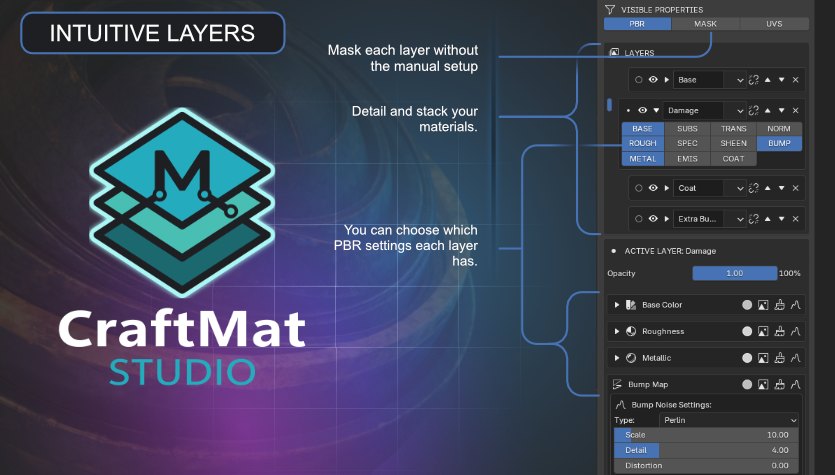
Paint, mask and stack non-destructively. Every layer keeps its own PBR setup.
Early access · Blender 4.5+
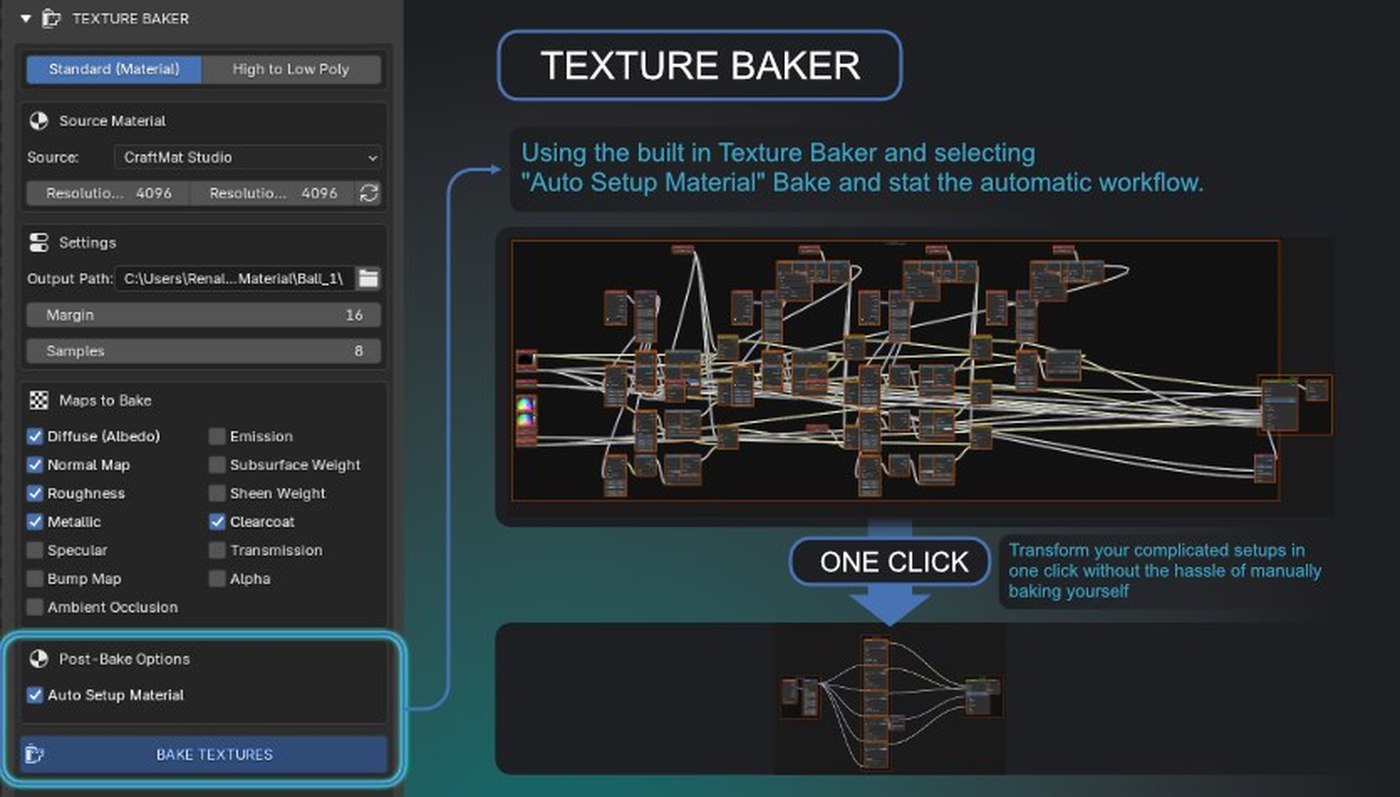
Stack non-destructive layers, mask wear with edge and cavity detection, and bake every PBR map in one pass, without the node editor.
Albedo, roughness, metallic, normal and the rest, baked and auto-wired.
Paint, mask and stack non-destructively. Every layer keeps its own PBR setup.
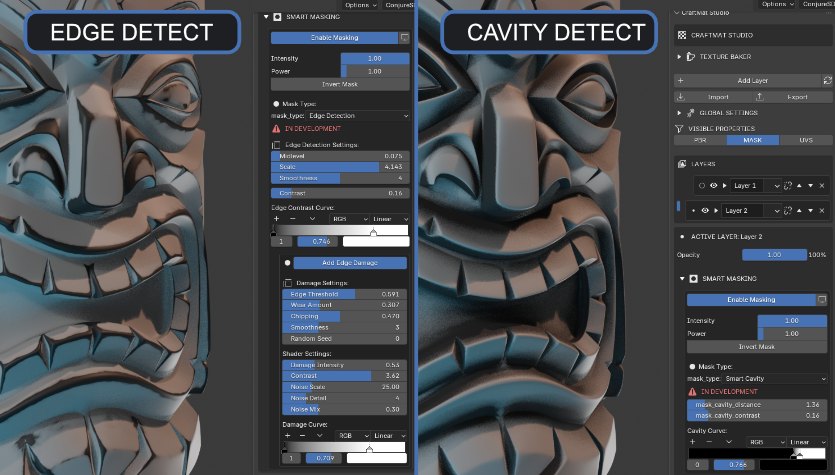
Edge wear and cavity masks, solved in Eevee. No Cycles wait.
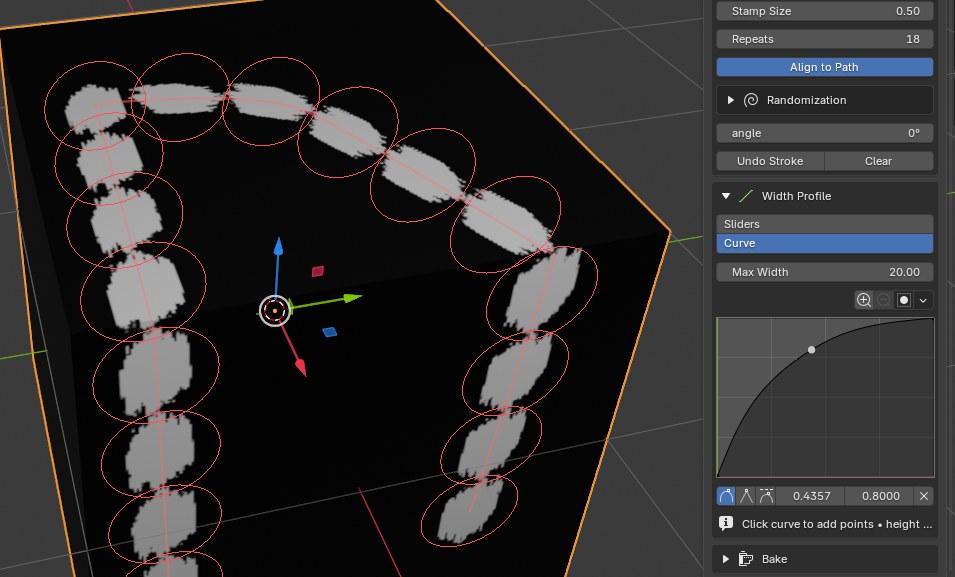
Strokes, stamps and patterns along a path, live in the viewport.
High-poly layers onto the game mesh. Cleanup included.
1 pass
High-poly in, game-ready PBR out. The scene is cleaned for you.
Bump or metallic from the layers below, mixed your way.
12
PBR channels per layer: color, roughness, metallic, normal, bump, emission and more.
Why CraftMat
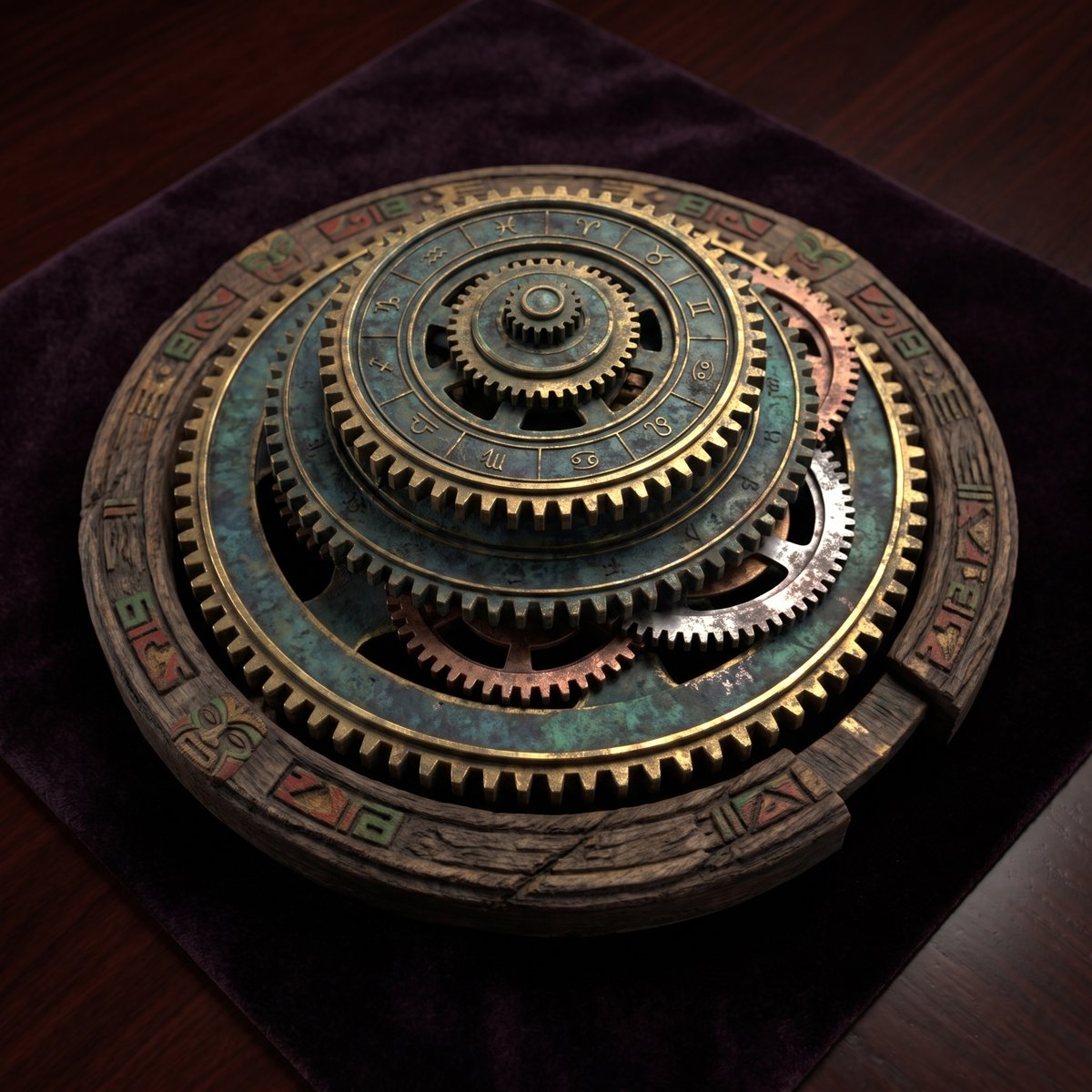
Rust through chipped paint. Dirt pooled in the grooves. CraftMat builds the masks and the tree. You paint.
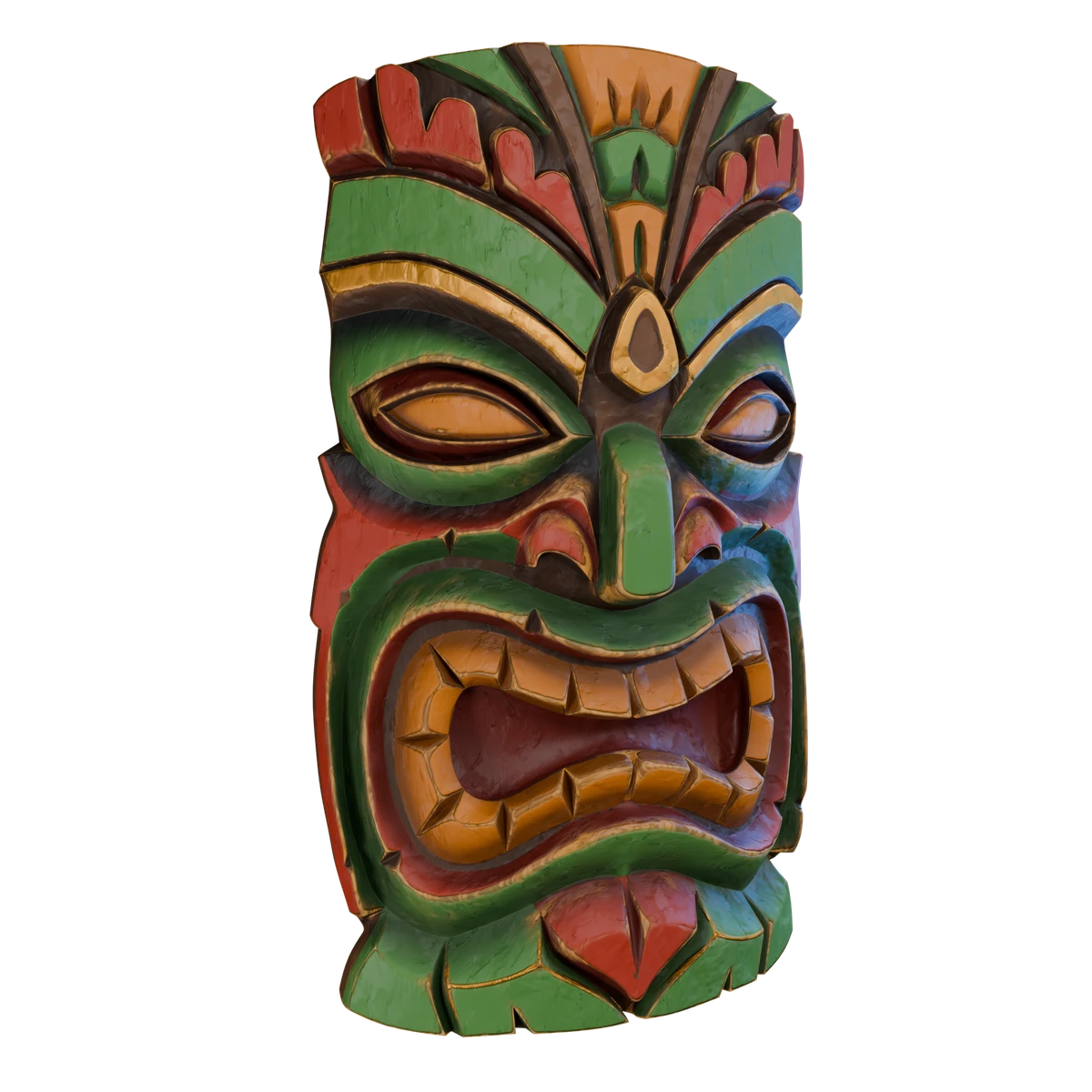
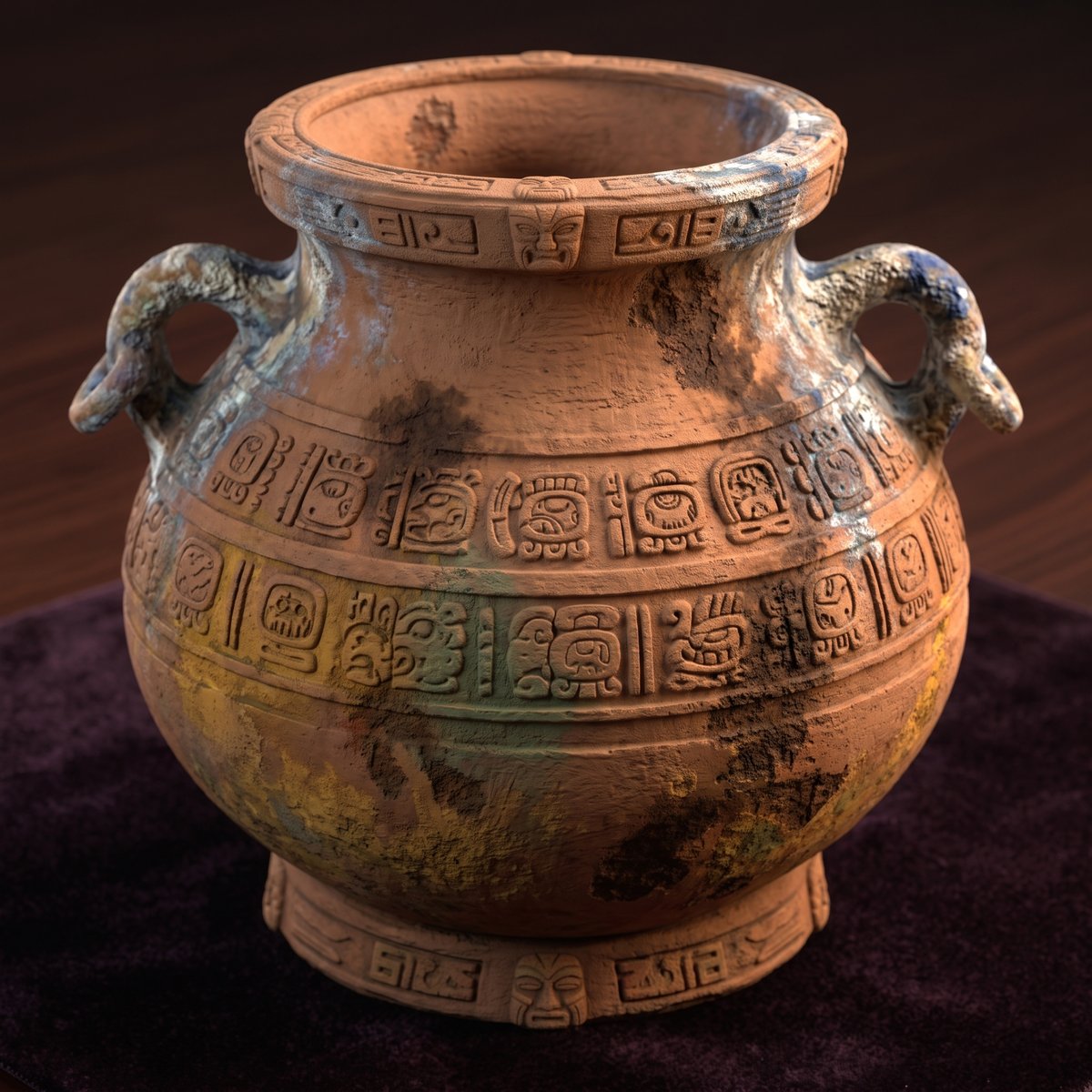
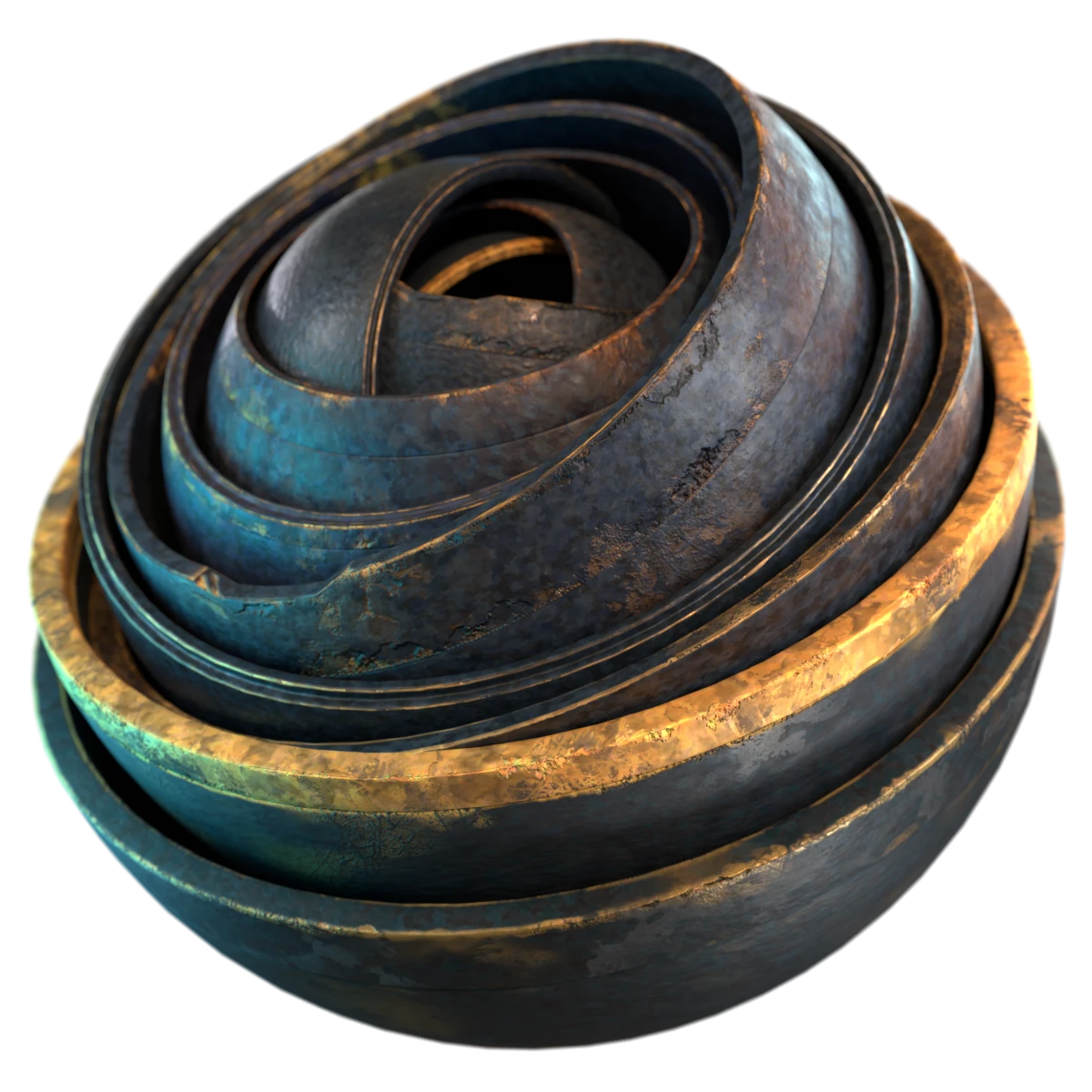
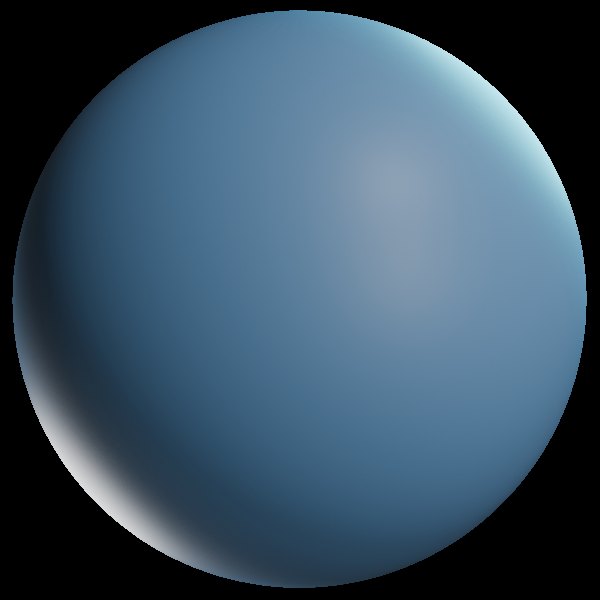
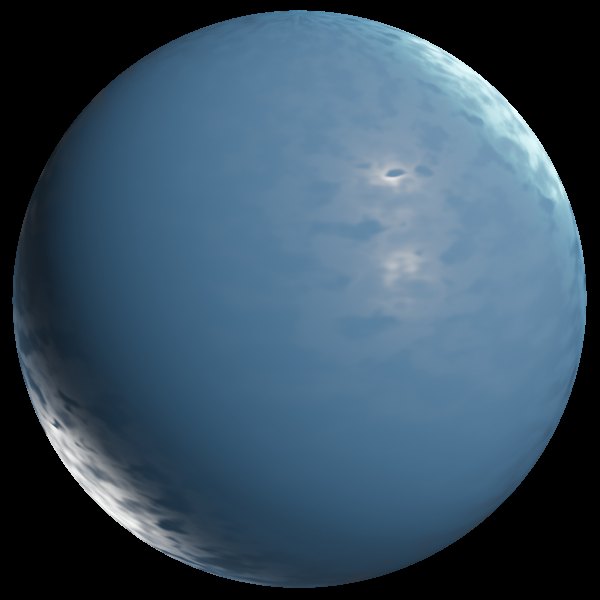
Scroll the steps. The sphere gains a layer at each one, exactly like stacking layers in CraftMat.
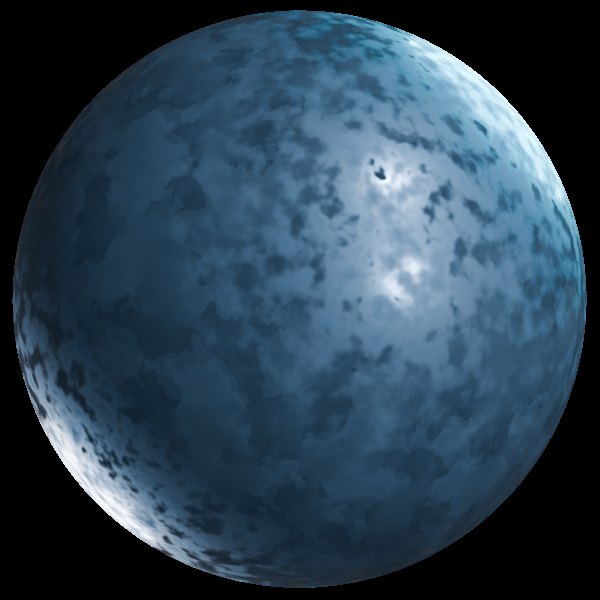
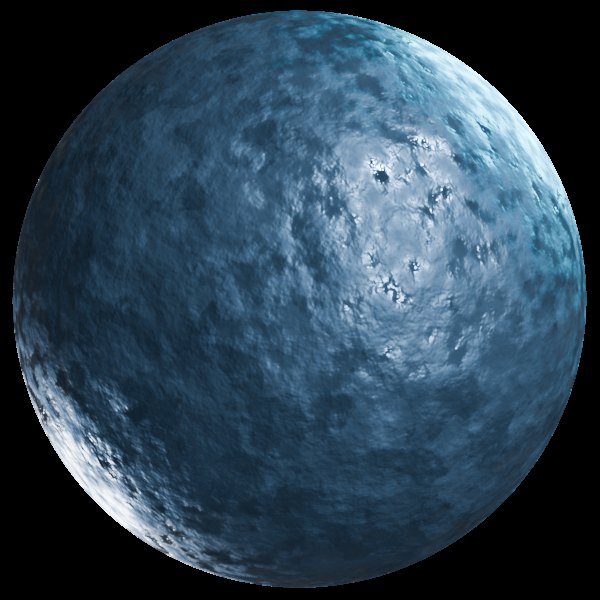
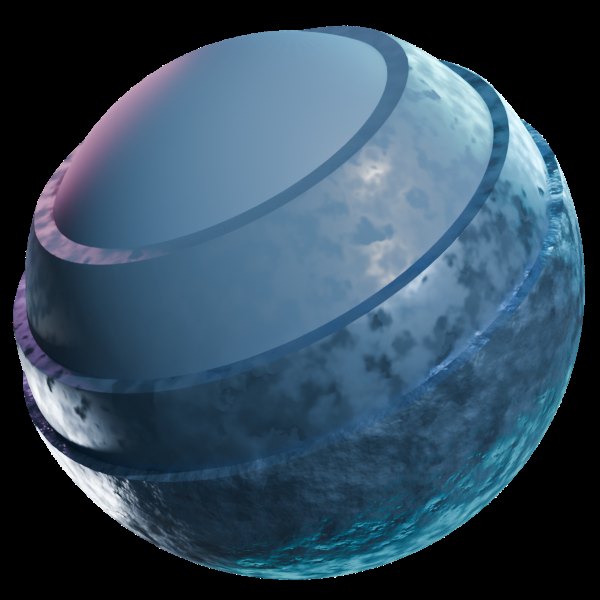
Real viewport footage, recorded as it ships.
Every frame here is raw viewport footage from the add-on itself — no staged shots, no cuts.
CraftMat Drawings is a second add-on from the same workspace. It turns a model into a true-size sheet inside Blender: real paper sizes, views projected from the mesh, and dimensions that follow the model when you edit it.
Detail views, distance, angle and radius measuring, and layered SVG, DXF and PDF export at 1:1 mm. Early version, free, and still taking feedback.
True-size sheets. Model-linked dimensions. SVG, DXF and PDF export.
One payment. Updates to version 1.0, free.
Every CraftMat update until v1.0
One-time payment · 2 monthly installments available
Get CraftMat StudioBuy once. The price never increases for you.
A layer-based PBR texturing, masking and baking add-on for Blender 4.5+. A layer stack replaces manual node editing.
Yes. Everything works from a simple panel in the Blender sidebar. If you have used layers in an image editor, you know CraftMat Studio.
Yes. Edge wear, cavity and AO masks are calculated natively in Eevee. No engine switching, no slow bakes.
The full add-on, personal and commercial license, and every update free until version 1.0. Buy once at $20.
Yes. High-to-low poly baking transfers your layered setup onto a lower-poly object, then auto-cleans the scene.
Blender 4.5 and newer, on Windows, macOS and Linux.
Yes. The license covers personal and commercial use, including game assets and client work.
Yes. CraftMat Drawings is a free add-on that makes true-size technical drawings in Blender, with model-linked dimensions and SVG, DXF and PDF export. It is an early version and feedback is welcome.